
Web Development
Custom Web Application Development Costs for E-Commerce
Sterango explains custom web application development costs for e-commerce: dashboards, inventory tools, API integrations, and price drivers in detail.
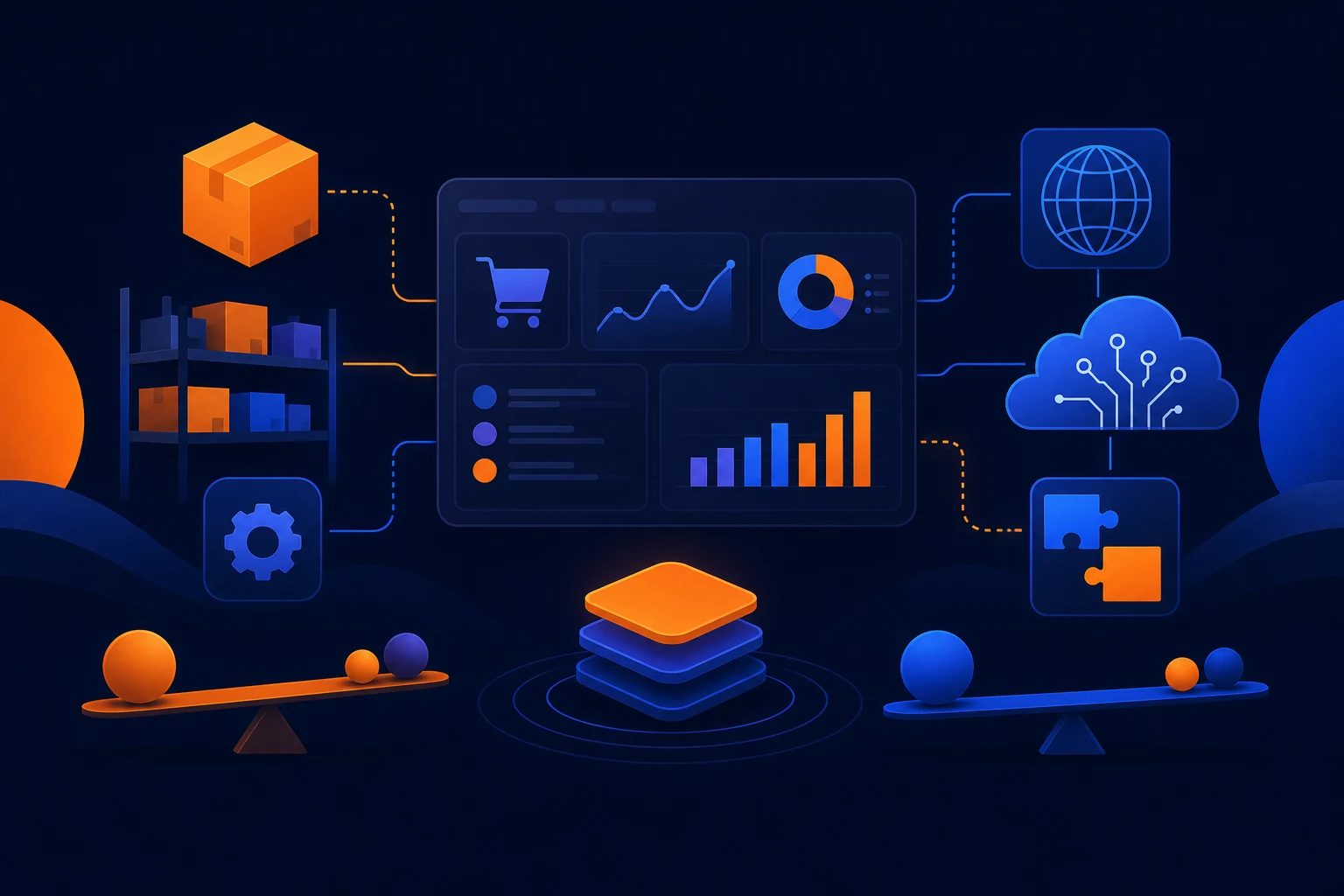
Once an e-commerce operation outgrows the stock settings in its platform, the problem is rarely "we need an app." It is usually "our inventory says one thing, the warehouse says another, and someone is fixing orders in a spreadsheet again." Custom web application development helps brands replace those manual patches with tools built around their order flow: inventory syncs, fulfillment queues, returns workspaces, POS connections, and reporting that does not require detective work. The cost depends less on a vague label like "dashboard" and more on what the software must connect, process, validate, and let staff do without creating fresh mistakes.
Custom web application development costs follow operational complexity
A custom system is not priced by the number of screens alone. A clean-looking dashboard can be relatively contained if it reads data from one source and gives a small team a few clear actions. That same dashboard becomes a larger build when it must update several systems, enforce business rules, track exceptions, and show different controls to different roles.
For an e-commerce brand, ask: "What work must this tool remove, and what breaks if the data is wrong?" The answer reveals the scope.
What is usually cheaper to add
- A focused internal screen that pulls order, customer, or product data from one established source.
- Basic filters, search, date ranges, order status views, and CSV exports.
- A simple approval action, such as marking a return reviewed or assigning an order to a fulfillment queue.
- A read-only reporting view for a defined set of metrics.
- Connecting to an API with clear documentation, stable authentication, and the specific data needed already available.
These features are cheaper because the workflow is narrow. The inputs are known, the actions are limited, and there are fewer places for conflicting data to appear. A dashboard that helps a manager find delayed orders is one thing. A dashboard that reroutes those orders, updates inventory, informs the customer, creates a warehouse task, and records the exception is another.
What raises the price quickly
- Multiple systems that each claim to be the source of truth for inventory or order status.
- Real-time updates instead of scheduled syncs.
- Complex product rules, bundles, subscriptions, split shipments, backorders, or multiple warehouse locations.
- Different permissions for customer service, warehouse staff, managers, finance, and administrators.
- Workflows that require audit trails, approvals, retries, notifications, and exception handling.
- Older POS, ERP, or warehouse systems with incomplete APIs or unreliable data formats.
None of these are reasons to avoid a custom build. They are reasons to scope it honestly. "Sync inventory" sounds tidy until one channel reserves stock at checkout, another updates in batches, and the warehouse can substitute an item without telling either. Software cannot make those rules disappear. It can make them visible, consistent, and actionable.
Integrations are where the estimate becomes real
The number of integrations matters, but the quality of each integration matters more. Connecting an online store to a modern shipping platform may be straightforward. Connecting a legacy POS, a warehouse export, a marketplace feed, and an accounting system can involve data mapping, retry logic, duplicate prevention, and a surprising amount of cleanup.
Scheduled sync versus real-time sync
A scheduled inventory sync may run every 15 minutes, hourly, or overnight depending on the business need. This is often enough for reporting, replenishment planning, or low-volume catalog updates. It is less expensive to build and easier to monitor because the system works in defined batches.
Real-time sync costs more because timing becomes part of the product. When an item is sold in-store, the online inventory count may need to update immediately. When an online order is canceled, the available quantity may need to return to stock without waiting for the next batch. The application needs webhooks or equivalent event handling, queue management, error recovery, and clear rules for what happens when one system is temporarily unavailable. "Instant" is an operating requirement with engineering consequences.
Data volume changes the architecture
A store processing a manageable number of orders can often work well with direct API requests and routine background jobs. Larger catalogs, frequent order activity, and years of historical records call for more deliberate data handling. The application may need pagination, batching, indexing, caching, and monitoring so staff are not waiting for a dashboard to load while a customer stands on hold.
Historical data can also expand scope. Pulling the last 30 days of orders is different from importing several years of sales, returns, customer notes, and product changes. The second option may be worthwhile, but it should be a stated requirement rather than an assumption slipped into a vague request for "all our data."
Implementation reality: APIs fail, credentials expire, product names change, and someone eventually creates a SKU that does not match the warehouse SKU. Production software needs to show failures clearly and give staff a sensible way to resolve them. A sync that works only when every external system behaves perfectly is a demo with better typography.
Admin UI complexity is not cosmetic work
Store operators often underestimate the cost of the internal interface because it is not customer-facing. The internal interface is where expensive operational decisions happen. If staff cannot find the right order, understand the status, or safely take the next action, the team goes back to email, spreadsheets, and "just ask Megan." Megan deserves better software.
A simple admin UI might include an order list, status filters, search, a detail page, and a few controlled actions. A more involved interface may need bulk updates, saved views, role-based permissions, internal notes, return reasons, image uploads, label generation, inventory adjustments, and confirmation steps for actions that cannot be easily undone.
Permissions and audit history are scope, not decoration
If every user can issue refunds, alter inventory, or close a return, the tool may be quick to build but expensive to operate. Role-based access adds work during development, yet it can prevent routine errors and clarify responsibility. The same applies to an audit history that records who changed an order, when they changed it, and what the previous value was.
When the application affects money, stock, customer communications, or fulfillment, controls can prevent handling the consequences manually later.
Control scope before scope controls the budget
The fastest way to inflate a custom build is to start with an undefined ambition: "replace our operations system." A practical route is to identify one costly workflow, define the systems involved, and decide what the first release must do reliably. For example, a returns dashboard could begin by centralizing return requests, displaying order data, and assigning a disposition. Automated label generation, refund rules, warehouse routing, and exchange inventory reservations can follow once the core workflow is working.
Sterango designs and builds custom front ends rather than forcing a business into a page-builder template. For e-commerce software work, that means the interface can reflect the way your team processes orders instead of making staff adapt to generic controls. Sterango also handles hosting and ongoing maintenance as a monthly service, so the application has a team responsible for keeping it running after launch.
To get a useful estimate, bring specific examples: the systems that need to connect, a sample order lifecycle, the fields staff need to see, the actions they need to take, expected order volume, and what must happen in real time. These details replace hand-waving with a build plan.
Build the tool around the bottleneck, not the buzzwords
Custom software earns its cost when it removes recurring manual work, reduces preventable order errors, and gives operators a dependable view of what is happening across channels. The price rises with integrations, data volume, real-time requirements, and administrative controls because those are the parts that make a tool dependable in daily use. Start with the workflow causing the most friction, define the rules before writing code, and add automation in deliberate stages. That is less glamorous than a slide deck full of jargon, but it is how e-commerce operations stop running on duct tape.
Want this handled rather than added to your own to-do list? Tell us about your site.
Need help with your website or software?
Tell us what you need built, repaired, or measured.
Start a project